

Live text and colour editing
Rewrite the headline, price or call to action and see the poster update as you type. Change colours to match your brand.
Upload a photo of your dish, write a line about the offer, and the AI Poster Generator gives you four finished poster designs sized for Instagram, Facebook or Google. Adjust anything you like, then download it or publish it straight from Kappino.
Most restaurants know what they want to promote: tonight's special, a new dessert, a lunch deal, a weekend event. What slows them down is turning that idea into a post that looks professional and fits each platform. The AI Poster Generator inside Kappino's Marketing area closes that gap. You bring the photo and the message; Pino AI writes the poster copy from your brief and Kappino lays it out into four different designs, ready for the format you picked.
Pick Instagram Feed or Story, Facebook Post or Story, Google Business, a 4:5 portrait, or a custom size, so the design fits where it will be seen.
Upload a product photo and fill in a short brief: a title, a headline, the price, a discount if there is one, and the call to action you want guests to follow.
Choose from 14 styles and 9 colour themes to match your restaurant, from clean and modern to bold and festive.
Kappino produces four poster variations at once, so you can compare layouts side by side and keep the one that suits the promotion best.
Every poster stays editable. Change the wording, swap colours and adjust the layers until it looks exactly right, then export it in the format you need.
Rewrite the headline, price or call to action and see the poster update as you type. Change colours to match your brand.
Move, show or hide the elements on the poster so the dish photo and the offer get the attention they deserve.
Save the finished poster to print, share on WhatsApp, add to your website or keep for later.
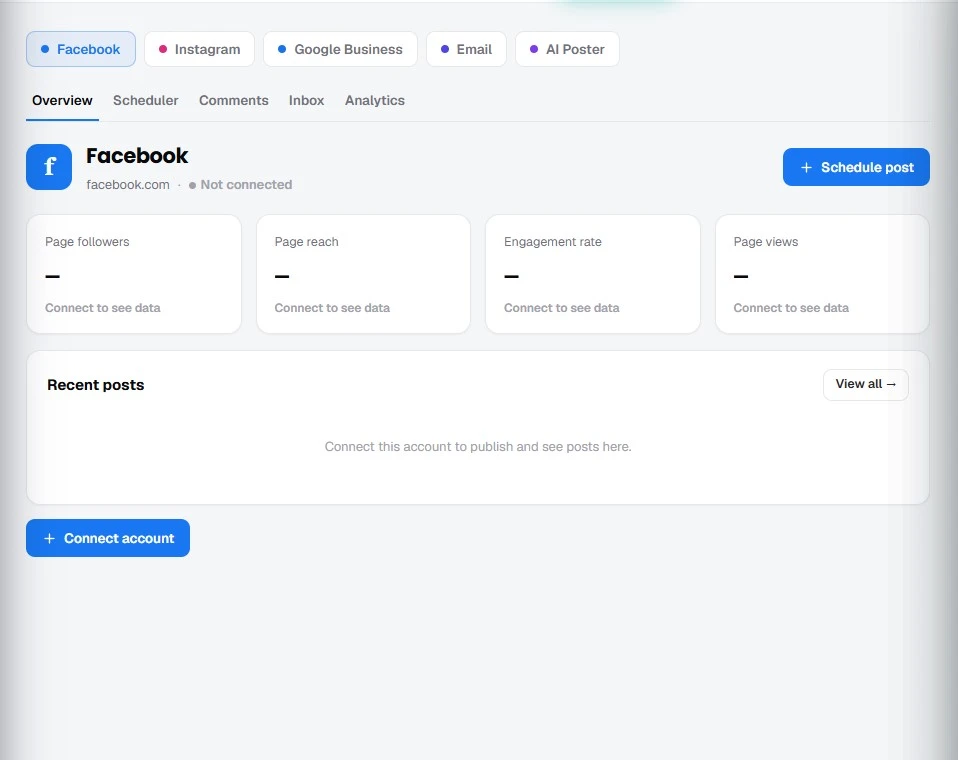
Once your Facebook Page or Instagram Business account is connected in Kappino's Marketing area, the poster can go straight into the social scheduler. Publish it now or schedule it for the moment your guests are most likely to see it, alongside the rest of your posts, comments and messages.
Show today's special with its price before the lunch or dinner rush.
Launch a new menu item with a photo and a clear call to action.
Put the discount front and centre so guests understand the deal at a glance.
Promote a tasting night, a holiday menu or a weekend brunch in the right format for each platform.
POS, orders, kitchen flow, inventory, reporting and AI tools built for modern restaurant operations.