

All customers
Everyone in your customer directory with an email address who has not unsubscribed.
Send email campaigns to the guests already in your Kappino customer directory. Pick an audience, start from a template, personalise the message and send it now or schedule it, with unsubscribes handled for you.
Email reaches guests who have already eaten with you, without paying for every view. A short message about a new seasonal menu, a tasting evening or a quiet-weekday offer can bring regulars back when you need them most.
The difficulty is usually the list. Most restaurants keep guest details in a booking tool, a till and a spreadsheet, and exporting and cleaning them before every campaign takes hours. In Kappino, your customer directory fills up automatically from POS orders, with lifetime value, order counts and loyalty tier on each profile. Campaigns use that same data, so there is nothing to export.
Every campaign goes to an audience segment. Before you send, you can preview the recipients so you know exactly who will get the email.
Everyone in your customer directory with an email address who has not unsubscribed.
Use the segment you set on each customer profile to thank your best guests or welcome first-timers back.
Customers who have not visited for 30 days or more, for a friendly reminder or a reason to return.
Guests with the highest spend, for invitations to special dinners or new menu previews.
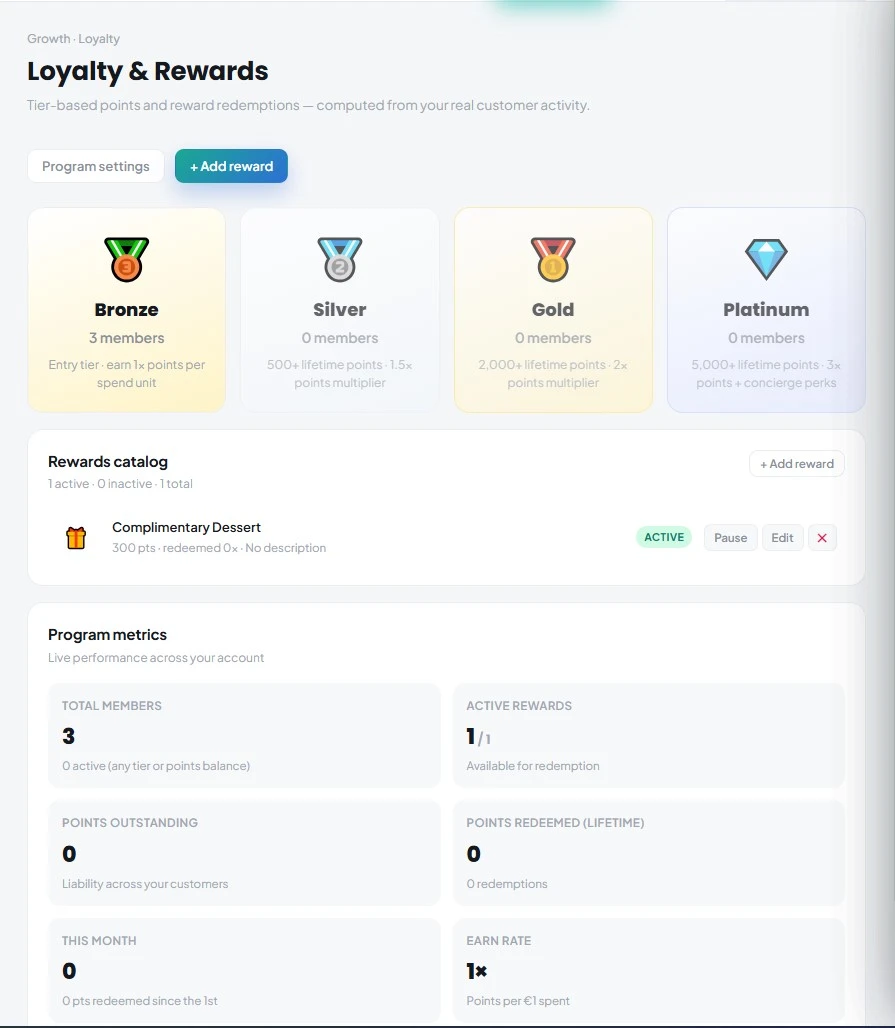
Gold and Platinum members of your Kappino loyalty programme, so your most loyal guests hear about news first.
Good restaurant emails are short, specific and timely. Kappino keeps the writing quick, so a campaign takes minutes rather than an evening.
Begin from a ready-made template instead of a blank page, then adjust the wording, offer and layout to fit your restaurant.
Add personal details to the message so each email feels written for the guest who receives it, not for a mailing list.
Create and edit campaigns as drafts, check the recipient list and send only when everything is right.
Send a campaign immediately, or schedule it for a date and time and let Kappino send it for you. Scheduling means you can write Monday's campaign on a quiet Sunday afternoon, or prepare the announcement for a holiday menu well in advance.
Some practical ideas: tell everyone about your new summer terrace, invite at-risk guests back with a midweek set menu, or give Gold and Platinum members first access to a wine dinner.
Email marketing in Europe depends on trust and on GDPR. Send campaigns only to guests who have agreed to hear from you. Every Kappino campaign includes a one-click unsubscribe link, and guests who unsubscribe are left out of future sends without you having to manage a separate list.
POS, orders, kitchen flow, inventory, reporting and AI tools built for modern restaurant operations.