

Sales and revenue
Today's sales, sales history, month-by-month and year-on-year comparisons, and your best-selling dishes.
Pino AI is the copilot built into Kappino. Ask in plain language, such as "How did we do today?" or "What is running low?", and get an answer drawn from your own sales, orders, stock, customers, reservations and staff data.
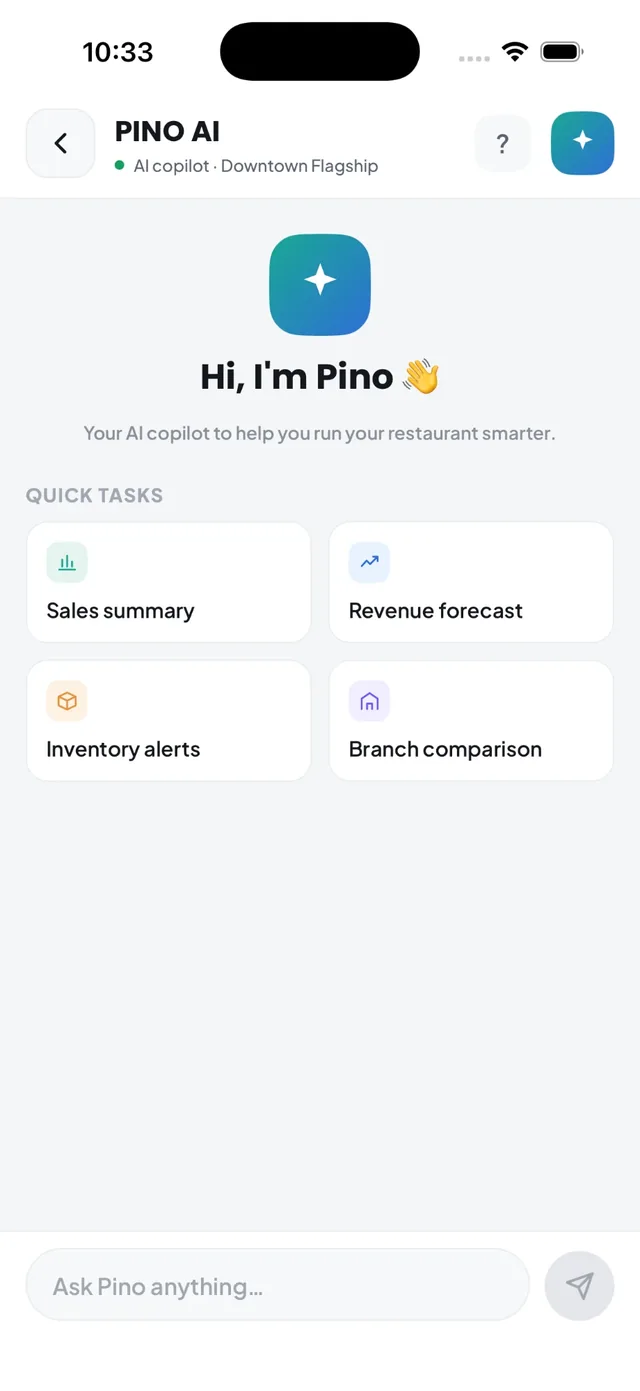
Restaurant software holds the answers to most of your daily questions, but finding them usually means opening three reports and setting filters. Pino AI does that for you. Open it from any screen in Kappino, or use the ⌘/ keyboard shortcut, type your question and the answer appears in the chat.
Pino AI works on your restaurant's live Kappino data, not generic advice. It also answers how-to questions about Kappino itself, so new managers can ask how a feature works instead of searching the help centre.
Today's sales, sales history, month-by-month and year-on-year comparisons, and your best-selling dishes.
Revenue and demand for the coming days, with a confidence badge so you know how much to rely on each forecast.
Orders by channel, delayed orders, table status and upcoming reservations.
Low stock and inventory alerts, suppliers, waste, expenses and transfers between branches.
Top customers, at-risk customers and loyalty programme activity.
Staff performance, today's roster and side-by-side branch comparisons.
Pino AI replies with KPI cards, tables and charts rather than long paragraphs, and shows the sources behind each answer so you can check where a number came from.
Tap "Give me a summary" or ask "How did we do yesterday?" for a quick picture of the business, without opening a single report.
Check upcoming reservations, today's roster and anything running low, so surprises are dealt with before the doors open.
Ask what is low on stock, what was wasted this week or what you spend with each supplier before you place your next order.
Compare branches side by side and spot the location that needs attention, from the same chat.
Pino AI follows the same roles and permissions as the rest of Kappino. Pino AI is a module in the permissions matrix, so you choose which roles can use it, and answers stay within your restaurant's data and the branches each user can access. Asking a question never changes anything in your restaurant.
We are piloting actions in Pino AI, starting with booking a table from the chat. Pino checks your booking rules and availability, then shows a Confirm reservation card. Nothing is saved until an admin or manager clicks Confirm. This feature is rolling out gradually to restaurants.
Coming soon: the AI Voice Receptionist, which will answer the phone and take reservations, is in development.
POS, orders, kitchen flow, inventory, reporting and AI tools built for modern restaurant operations.