

Menu Items & Details
Create and update menu items with images, descriptions, ingredients, allergens, nutrition information, sizes, customization options with price changes, categories, and tags.
Create, organize, update, and publish your restaurant menu from one connected workspace. Kappino helps you manage menu items, categories, pricing, item information, availability, and digital menu publishing without maintaining the same menu details in separate places.
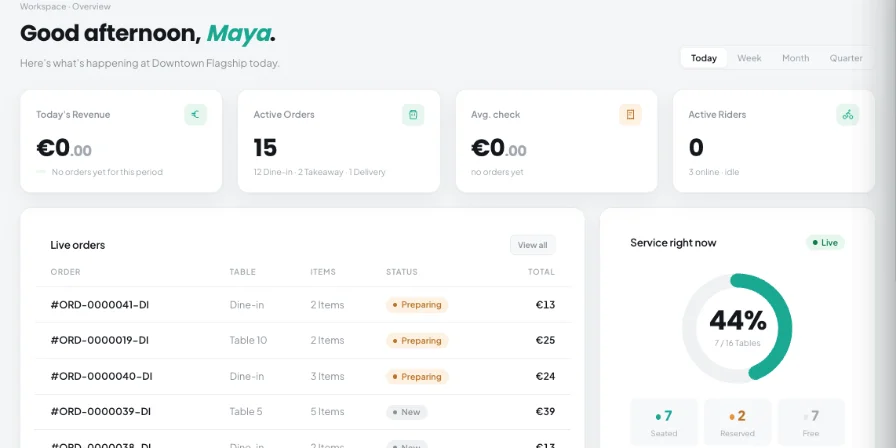
Keep the information your team needs to manage the menu together in one workspace. Kappino gives restaurant teams direct control over menu items, categories, pricing, item details, and availability.
Create and update menu items with images, descriptions, ingredients, allergens, nutrition information, sizes, customization options with price changes, categories, and tags.
Create and manage menu categories so items are grouped clearly for restaurant staff and customer-facing menus.
Set item prices and control whether an item is available or paused when your restaurant needs to change what can be ordered.
Manage item visibility across supported service channels, including POS, online, takeaway, and delivery menu views.
Set each dish's VAT rate for dine-in and for takeaway and delivery, enter prices VAT-inclusive, and see recipe cost and margin as you edit.
Create a new item and add its name, image, description, ingredients, category, and other relevant menu information.
Add allergens, nutrition information, customization options, tags, and other details that help your team and customers understand the item.
Set the menu price and control whether the item is currently available. Pause an item when it should not be offered without removing it from the menu.
Create and manage categories so menu items remain structured and easy to maintain.
Import menu items from a CSV or XLSX file using the downloadable template, and export your menu to CSV, rather than entering every item manually.
Generate the digital menu QR code, with a code for each branch, and switch online ordering on or off from the same screen. When menu information changes, the digital menu reflects it without requiring a new printed QR code.
Keep item information, categories, pricing, and availability together instead of maintaining separate menu records.
Store descriptions, ingredients, allergens, nutrition information, and customization options with the relevant menu item.
Pause or reactivate menu items when an item is temporarily unavailable or ready to return to service.
Use categories and tags to keep a growing menu structured and easier for your team to maintain.
Publish your menu through the Kappino digital menu so customer-facing information can follow the latest menu updates.
Beyond the basics, Kappino includes the menu tools restaurants usually piece together from separate apps.
Create several menus, such as breakfast, lunch and dinner, each with start and end times and its own items. The QR menu switches automatically to whichever menu is running and tells guests when the next one starts.
Turn on AI Auto Translate Menu and Kappino translates dish names, descriptions, ingredients and options into English, Italian, German, French and Spanish in the background, so every team member reads the menu in their own language in the staff app.
Attach a recipe to each dish and each size. Ingredients are deducted from inventory as orders are placed, and the recipe cost feeds the margin shown on the item.
See your total items, how many are available, your bestsellers and your average price at the top of the menu screen.
Let customers scan, browse, and explore your menu before ordering
Generate a QR code that customers can scan to open the restaurant's digital menu.
Guests always see the menu that is running right now, with a clear message showing when the next menu starts.
Present menu items under organized categories with a sticky category bar, so customers can move through the menu more easily.
Show item details such as descriptions, ingredients, allergens, nutrition and available options alongside the menu item.
The QR menu's buttons and labels appear in English, Italian, German, French or Spanish, picked automatically from the guest's phone.
When online ordering is switched on, customers can use the digital menu to order dine-in, takeaway or delivery, choosing sizes and extras, removing ingredients and adding notes for the kitchen.
Your menu is used across more than one part of the restaurant. Kappino keeps menu information connected to the places where items are viewed and selected, while the detailed workflows remain on their dedicated feature pages.
Manage menu items, pricing, and availability across your restaurant service channels.
Use configured menu items and pricing directly in the POS.
Publish maintained menu information across customer-facing digital menus.
Control item availability across takeaway and delivery channels.
Pause unavailable items without deleting them from the menu.
Choose the package that fits your restaurant operations and business needs.
Essential tools for small restaurants, cafés, and single-location businesses.
€99/ month
What's included:
Most popular plan
Advanced operational tools for growing restaurants.
€199/ month
What's included:
Advanced tools for multi-branch operations, integrations, loyalty, and AI.
€399/ month
What's included:
Prices are for business customers and exclude VAT and other applicable taxes, which are shown on your invoice. Prices per month. Final pricing may vary depending on setup, integrations, support requirements and business needs. Not sure which plan fits? Book a personalised demo
POS, orders, kitchen flow, inventory, reporting and AI tools built for modern restaurant operations.