

WordPress & WooCommerce
Install the Kappino Connect plugin on your WordPress & WooCommerce site. Website orders arrive in real time in Orders and on the kitchen display.
Bring website orders into your kitchen, publish to your social channels and take WhatsApp orders — all from the same Kappino workspace.
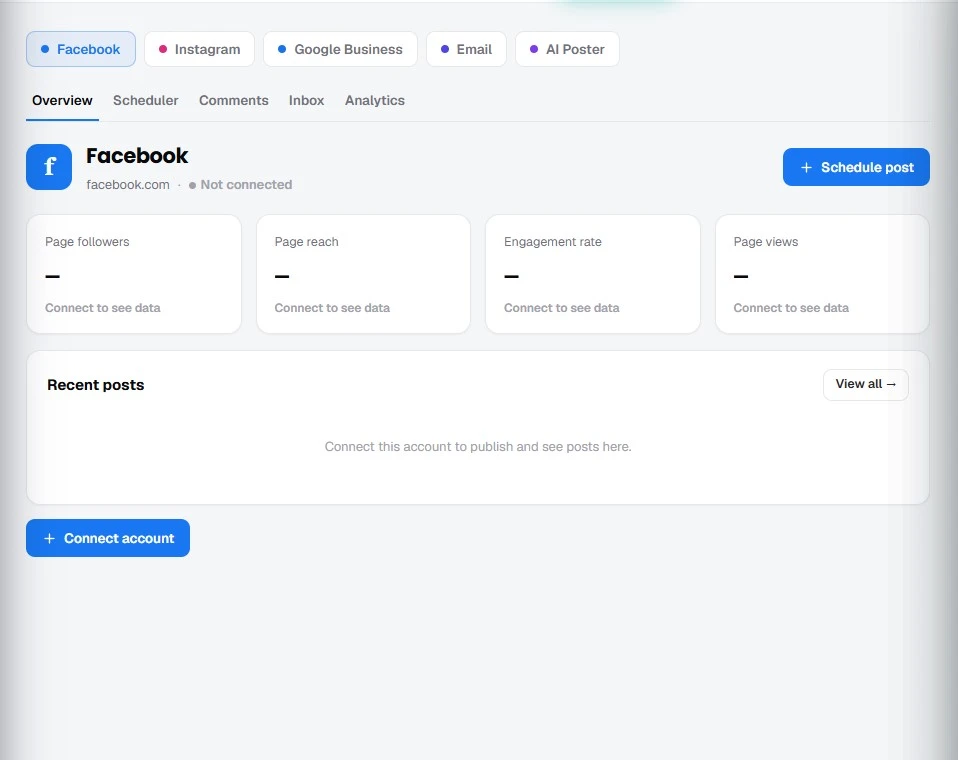
Install the Kappino Connect plugin on your WordPress & WooCommerce site. Website orders arrive in real time in Orders and on the kitchen display.
Connect your Shopify store to Kappino from the Integrations page.
Connect your Business or Creator accounts to schedule posts, carousels and Reels, answer comments and messages, and see insights from Kappino’s marketing tools.
See your Google reviews in Kappino and reply to them, with a read-only view of your profile.
Connect your number through Meta to use the WhatsApp AI Order Taker for orders, table bookings and chats.
Search delivery addresses and drop a map pin when you take a delivery order on the POS.
Create API keys with exactly the access each connection needs — full, orders and menu, orders, menu, orders and loyalty, or read-only — in live and test environments, and see your connected providers, active keys and API calls from the last 24 hours.
POS, orders, kitchen flow, inventory, reporting and AI tools built for modern restaurant operations.